Run an unauthenticated scan
An unauthenticated scan tests your API as an anonymous caller — no credentials attached. It shows what is exposed before authentication is enforced: endpoints that should require auth but don't, public endpoints leaking sensitive data, and missing rate limiting. Run it as the first scan on a newly onboarded API (no credentials needed), and again after auth-related changes; pair it with an authenticated scan for the full picture.
Navigate to URL
Open your browser and visit: https://<your-tenant>.apisecapps.com
Visit the application
-
Click the required application.
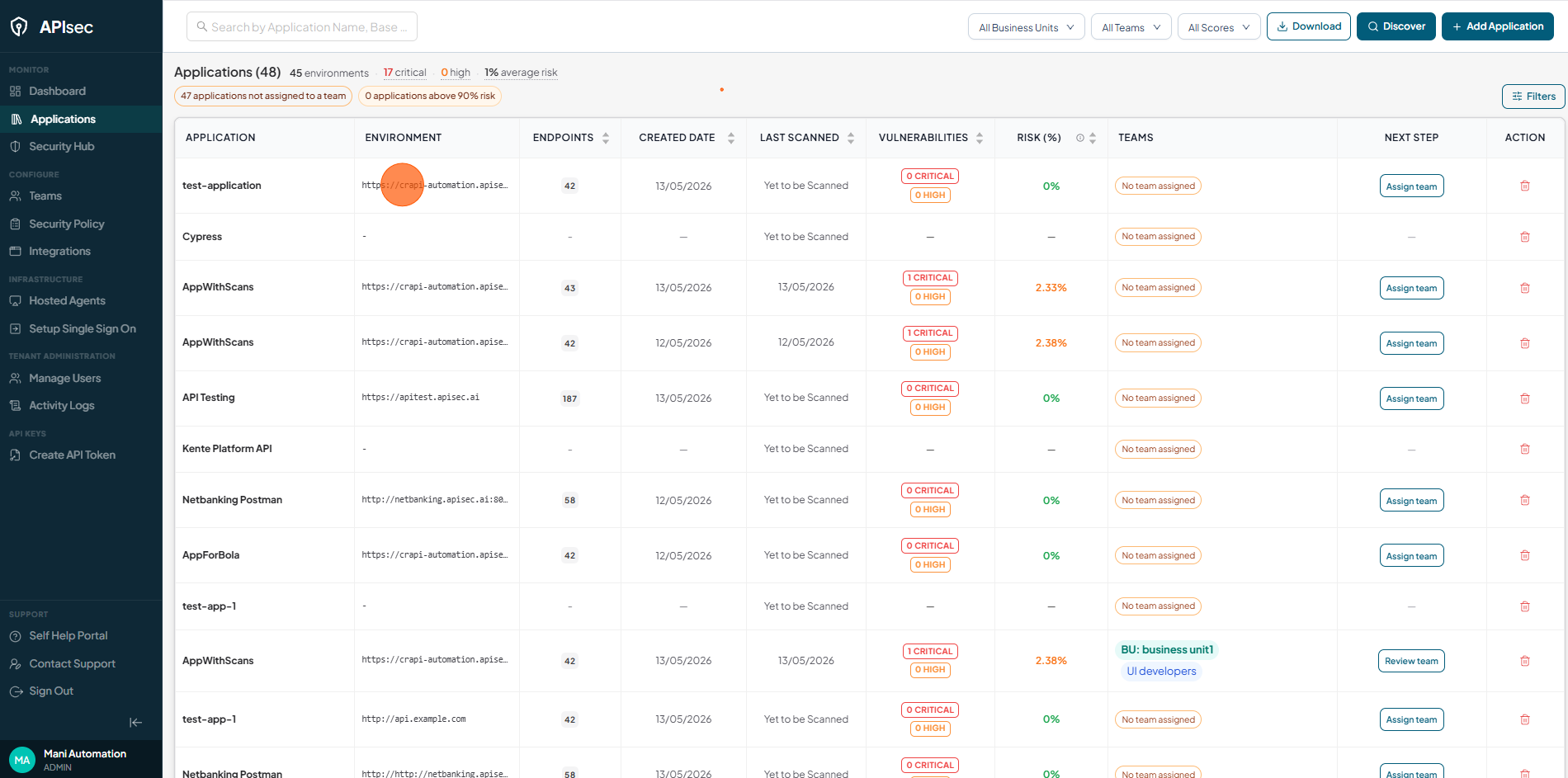
Open the scan dialog
-
Click Run Scan

Confirm the Scan Scope
-
From the Credential to use dropdown, select None.

By default every endpoint is selected. To narrow the scan to specific endpoints — the example below scans only the "Orders" APIs — filter the selection first:
-
Clear the Select All Endpoints checkbox to deselect every endpoint

-
Type "Orders" in the Search field

-
Select the Select All Endpoints checkbox to select every endpoint matching the search

Start the scan
-
Click Initiate Scan

Confirm the Scan has started
-
The scan progress bar appears next to the application name

Scan Details
-
Click Scan History from sidebar

-
Click the required scan record.

-
Verify the scan details
