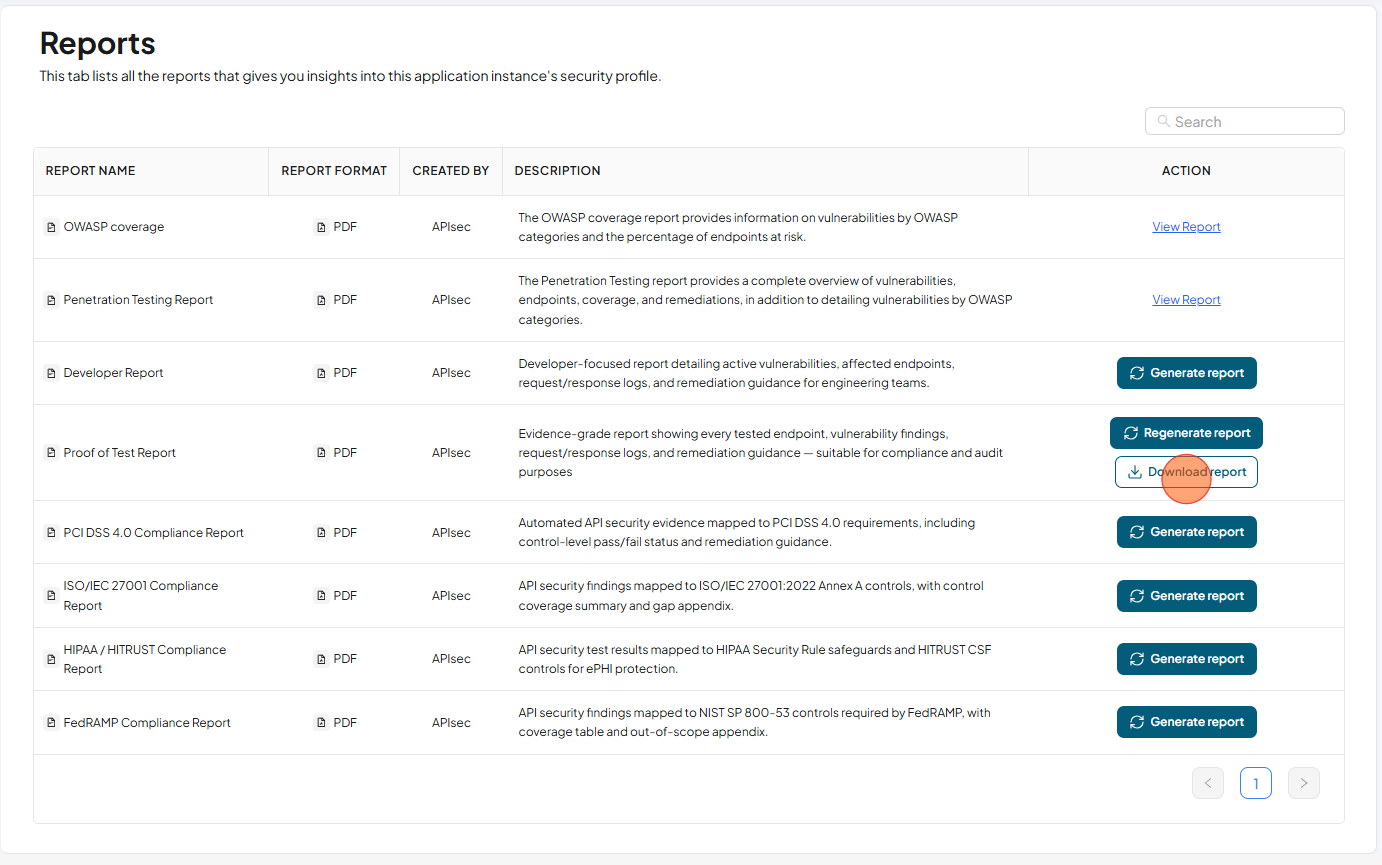
Proof of Test Report
Evidence-grade report showing every tested endpoint, vulnerability findings, request/response logs, and remediation guidance — suitable for compliance and audit purposes.
Download Proof of Test Report
-
Open your browser and visit: https://<your-tenant>.apisecapps.com
-
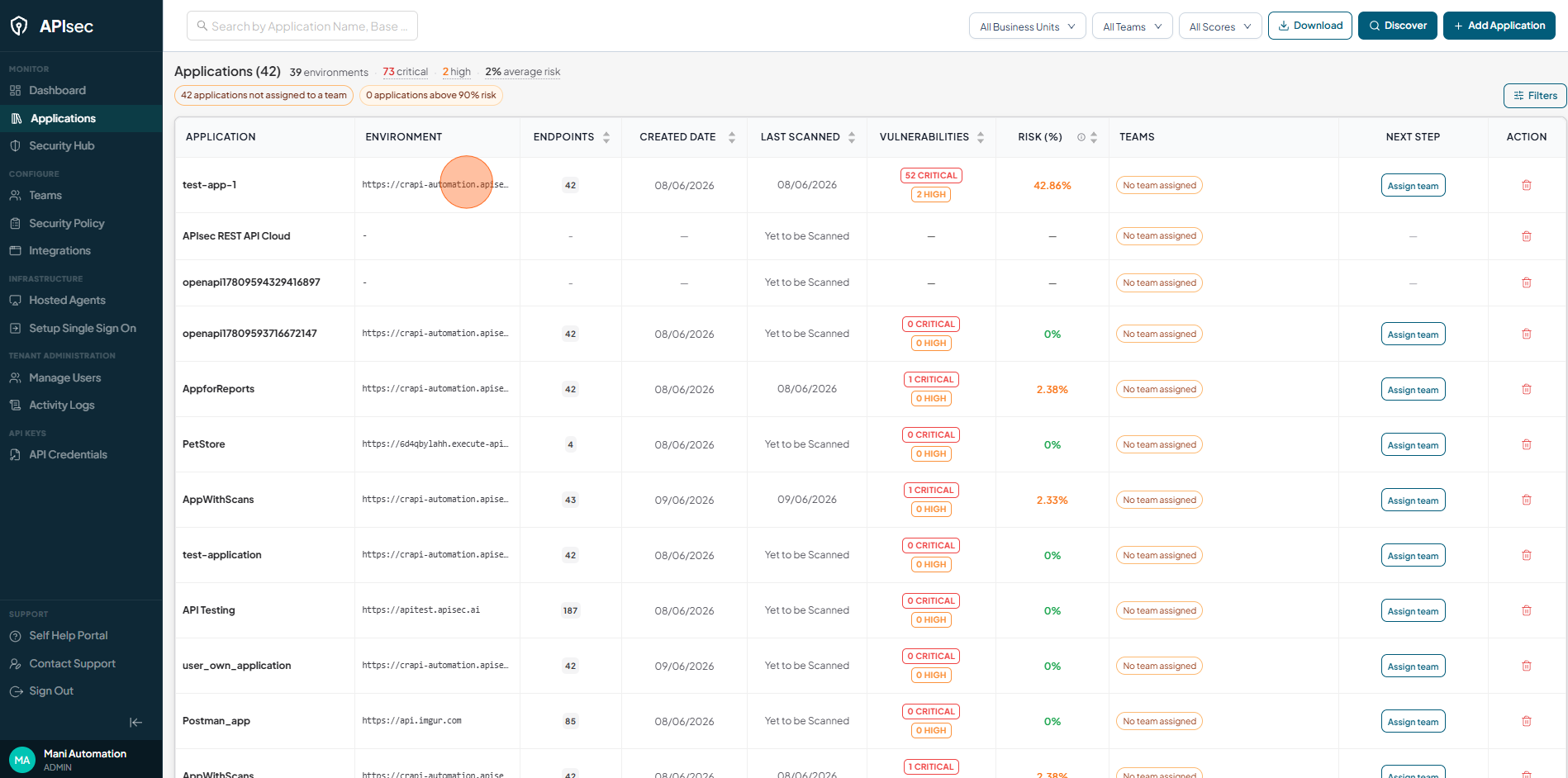
Click the required application.
-
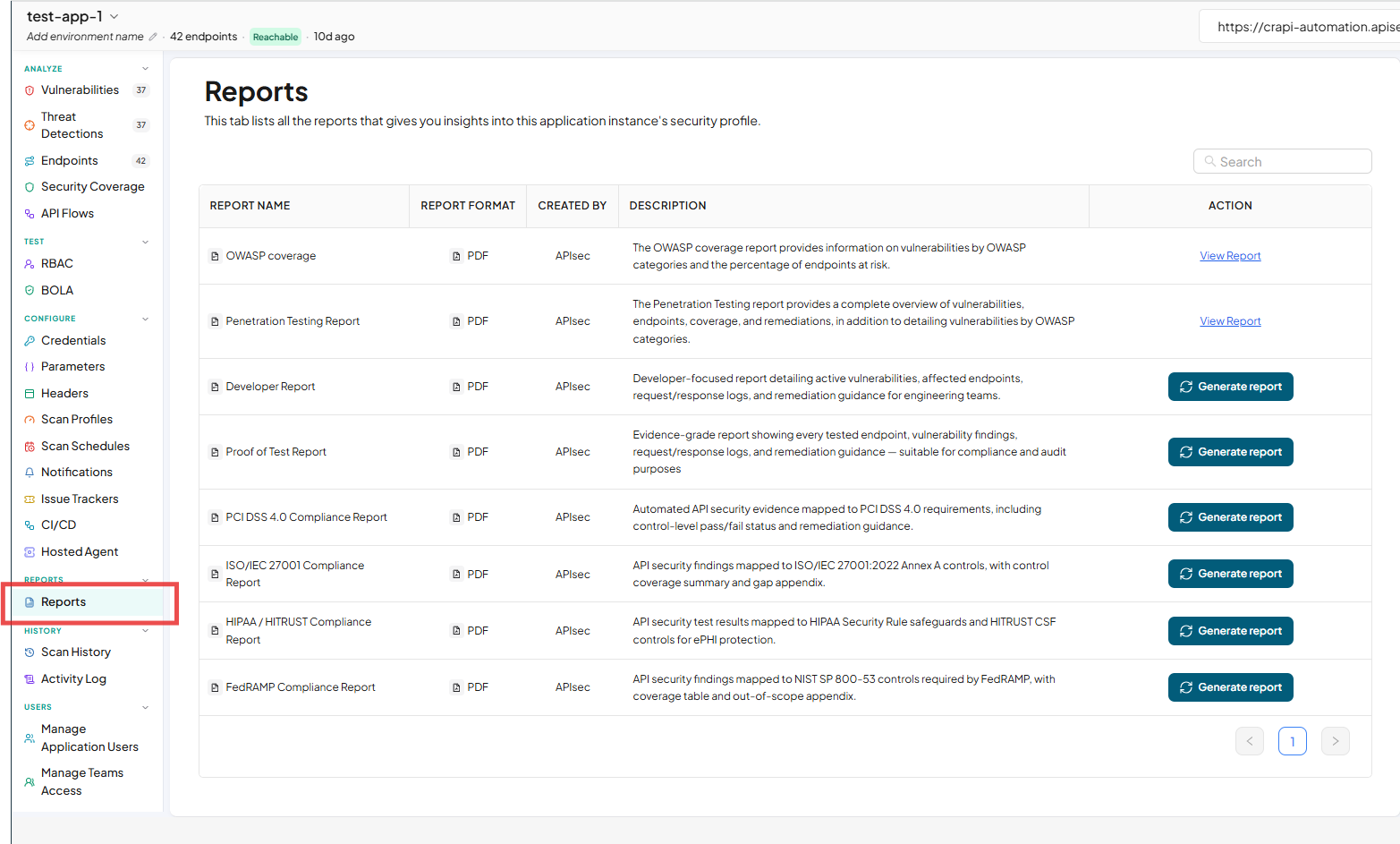
Click "Reports" present in the side navigation.
-
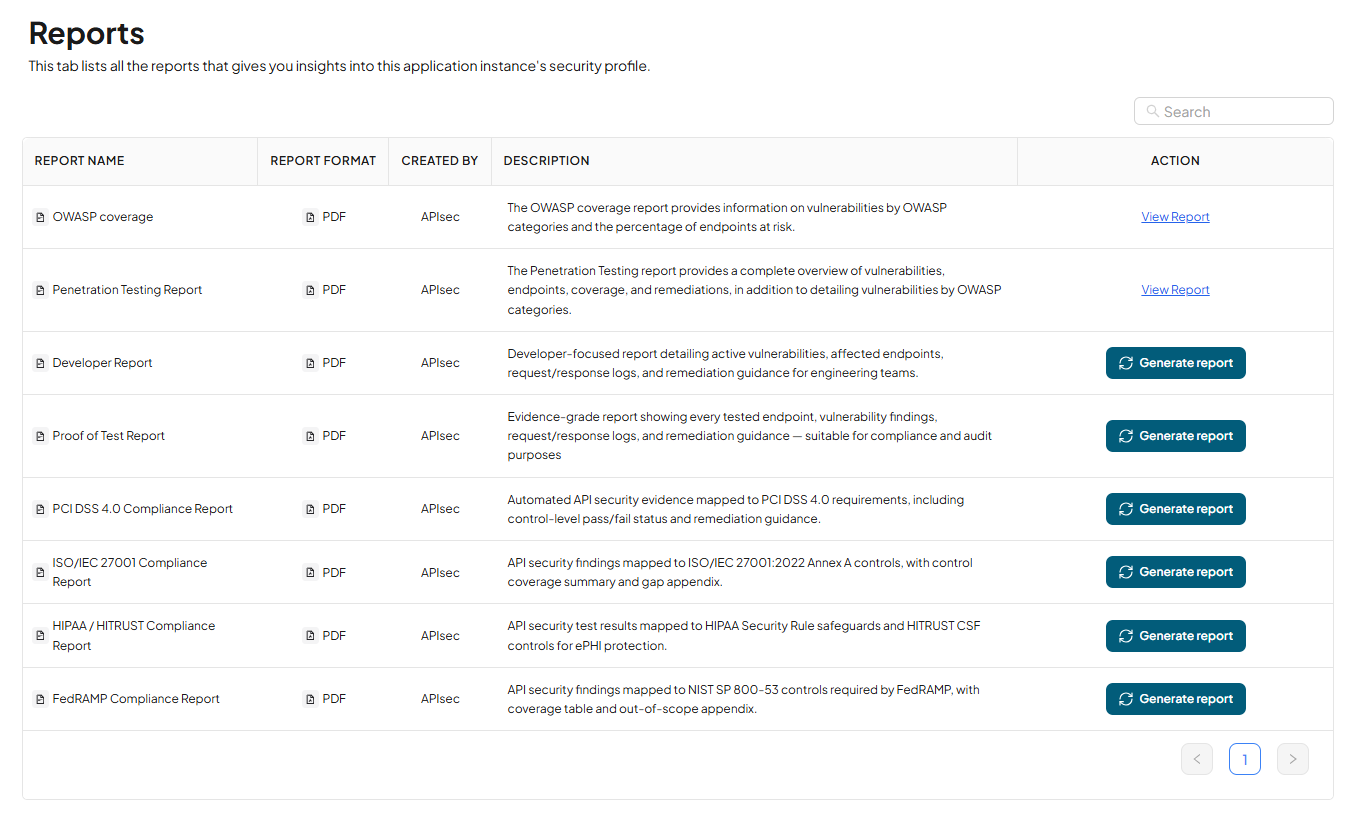
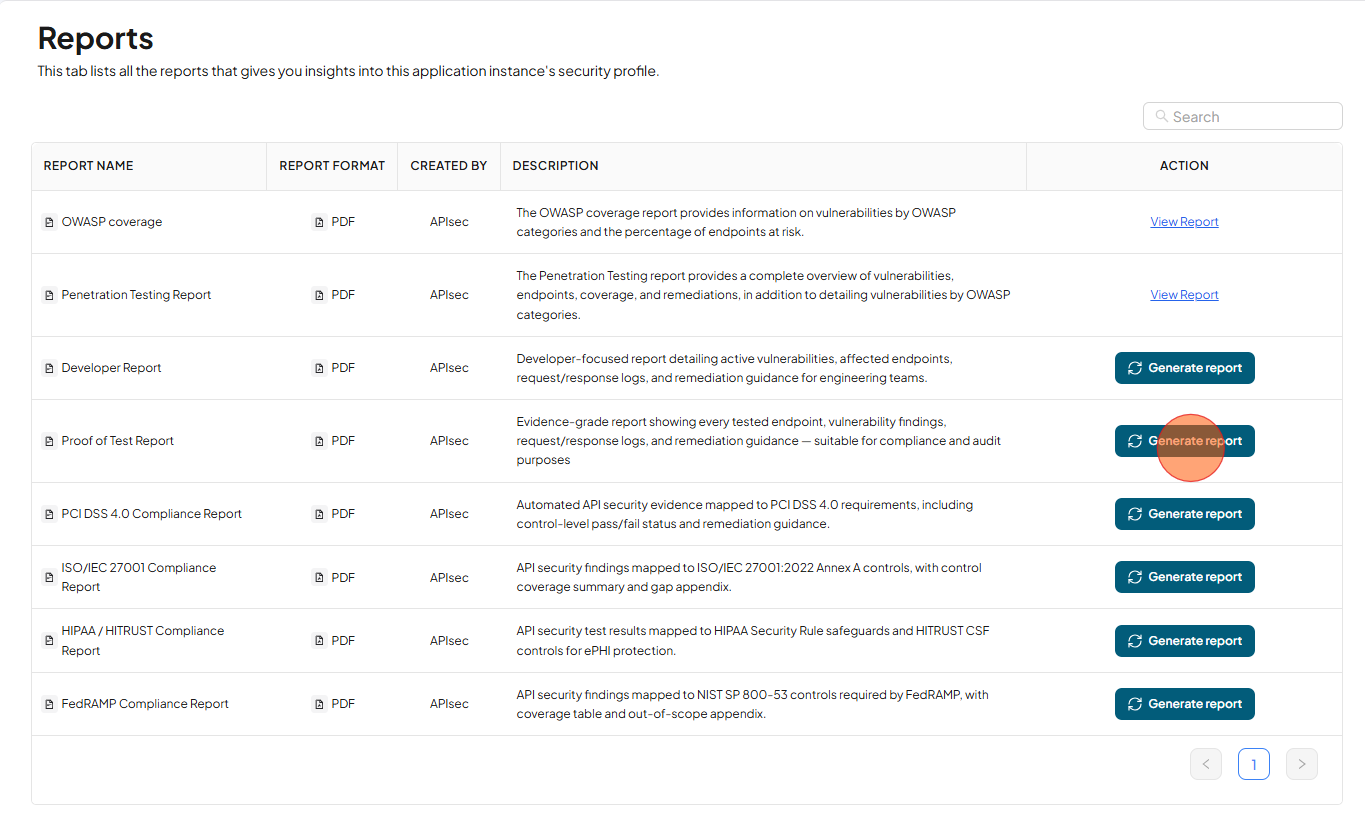
Now you will see list of all the reports that gives you insights into this application instance's security profile.
-
Click Generate Report in the Proof of Test Report row to generate the report.
-
After Report generated, Click Download Reports