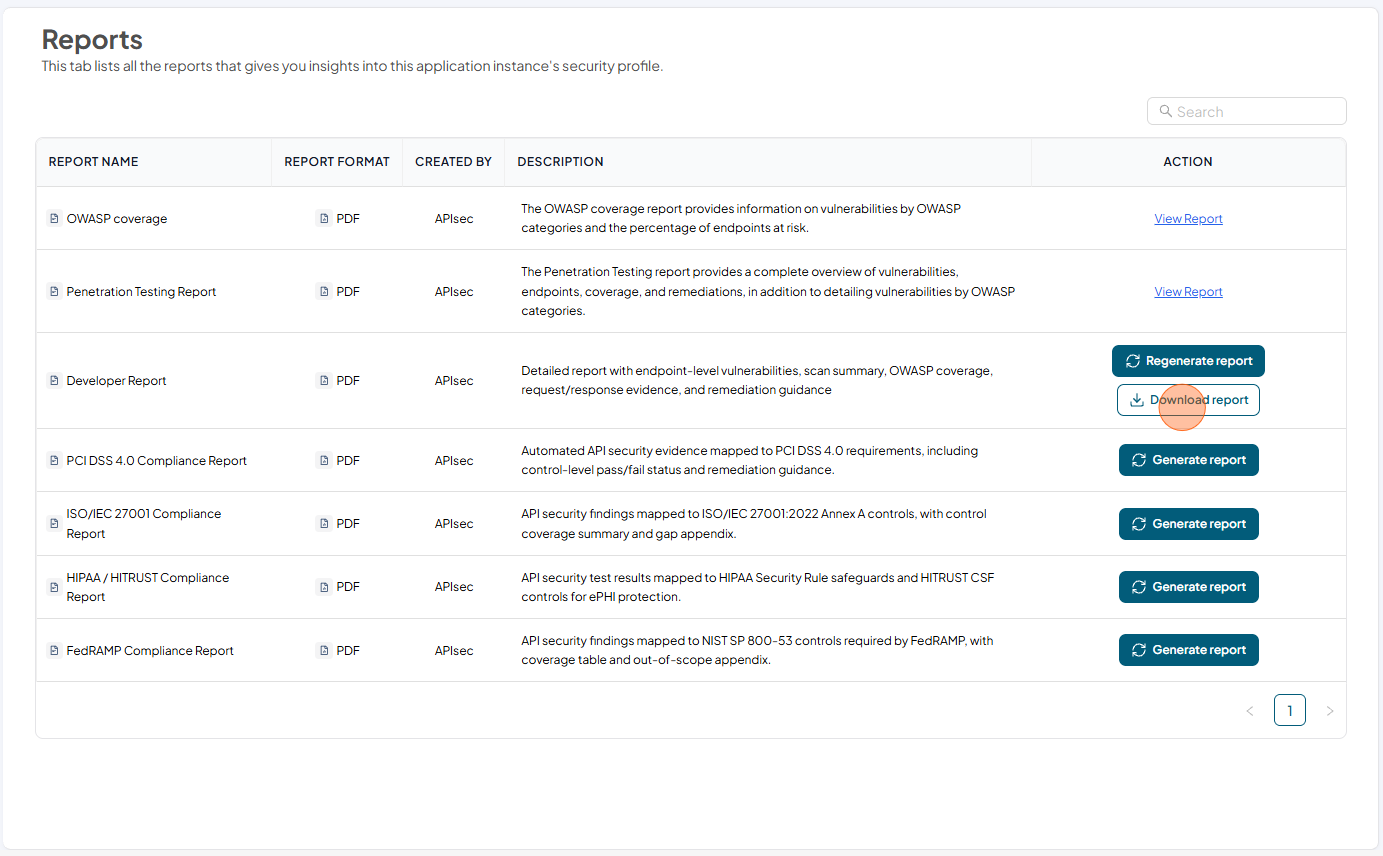
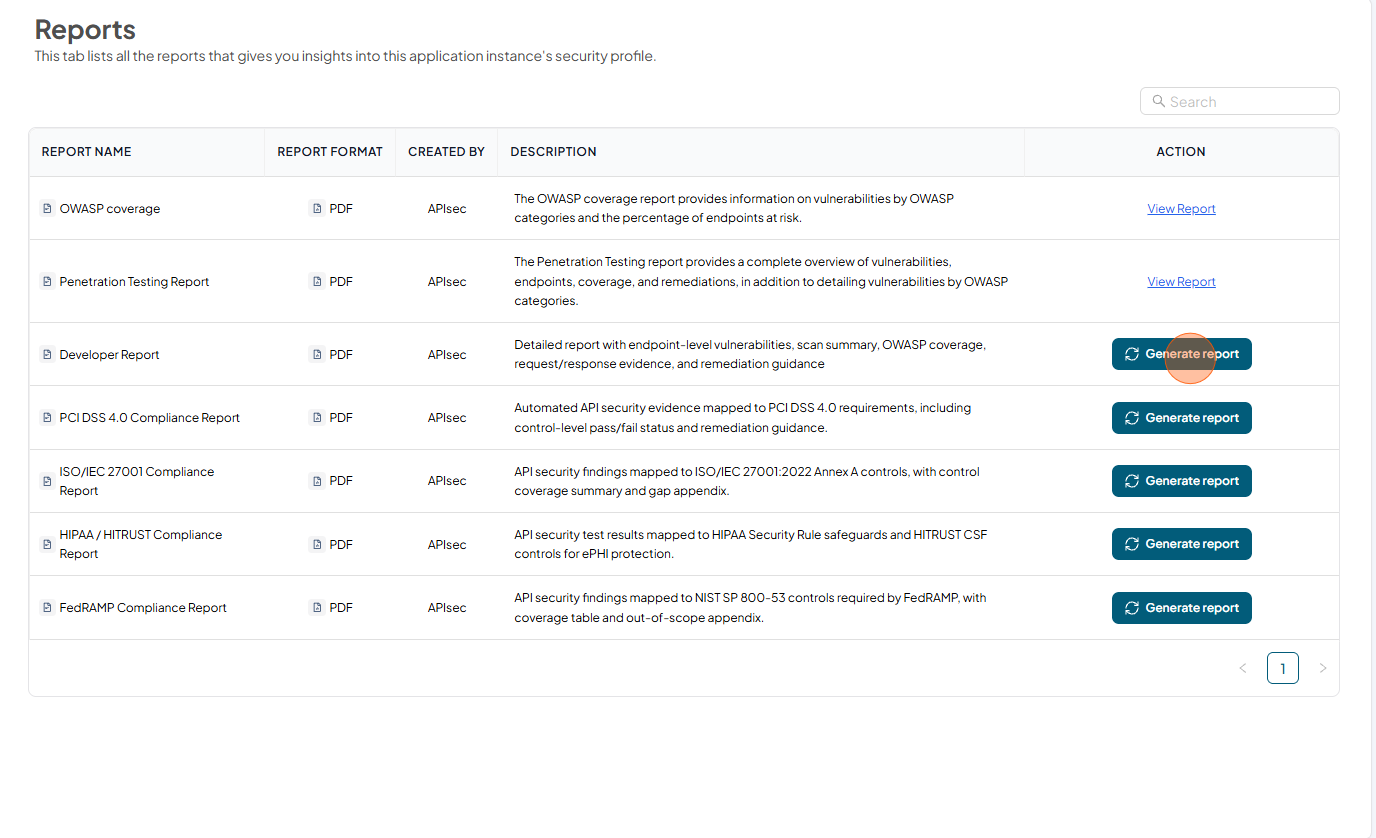
Developer Report
Detailed report with endpoint-level vulnerabilities, scan summary, OWASP coverage, request/response evidence, and remediation guidance.
Download Developer Report
-
Open your browser and visit: https://<your-tenant>.apisecapps.com
-
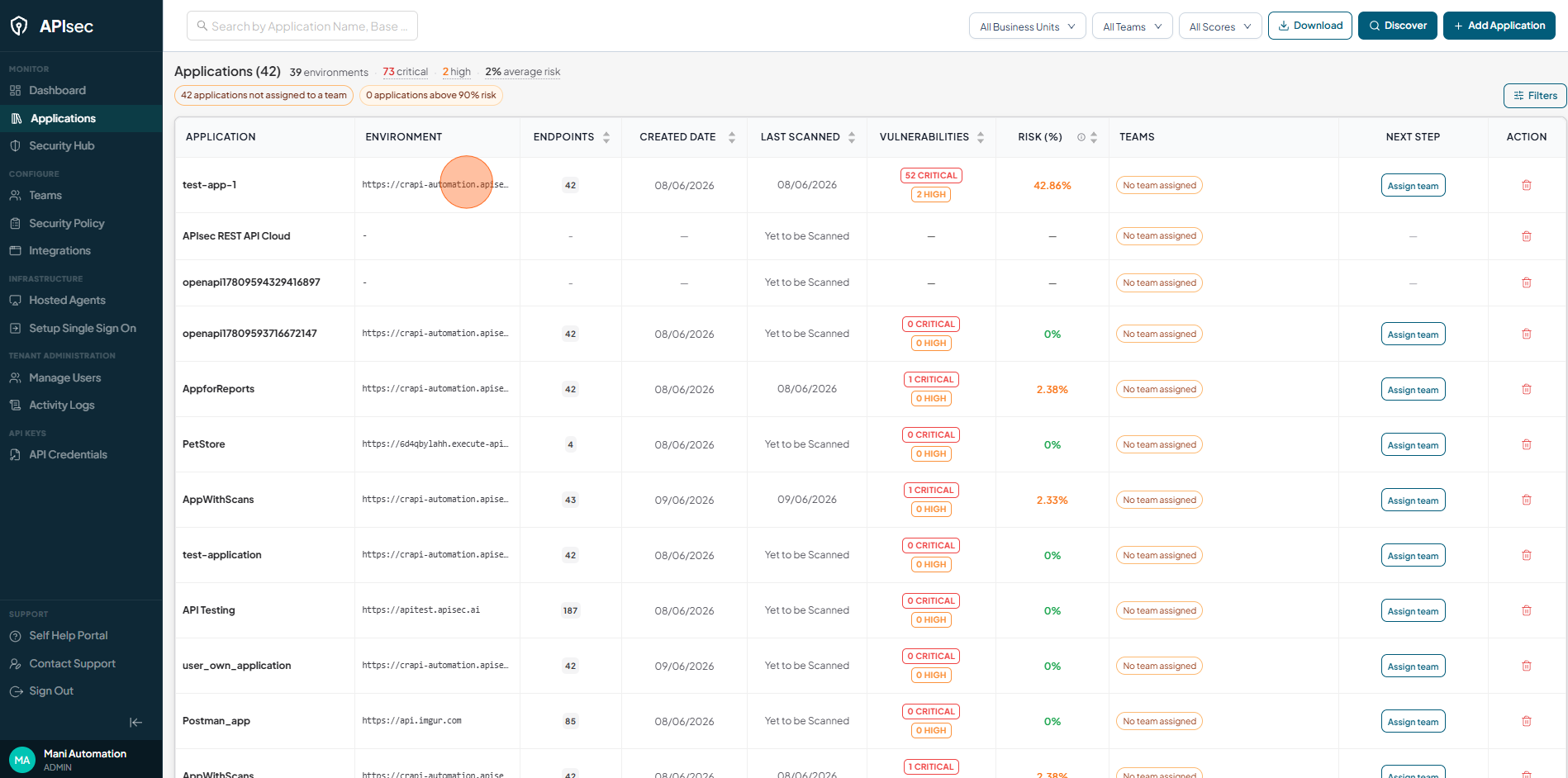
Click the required application.
-
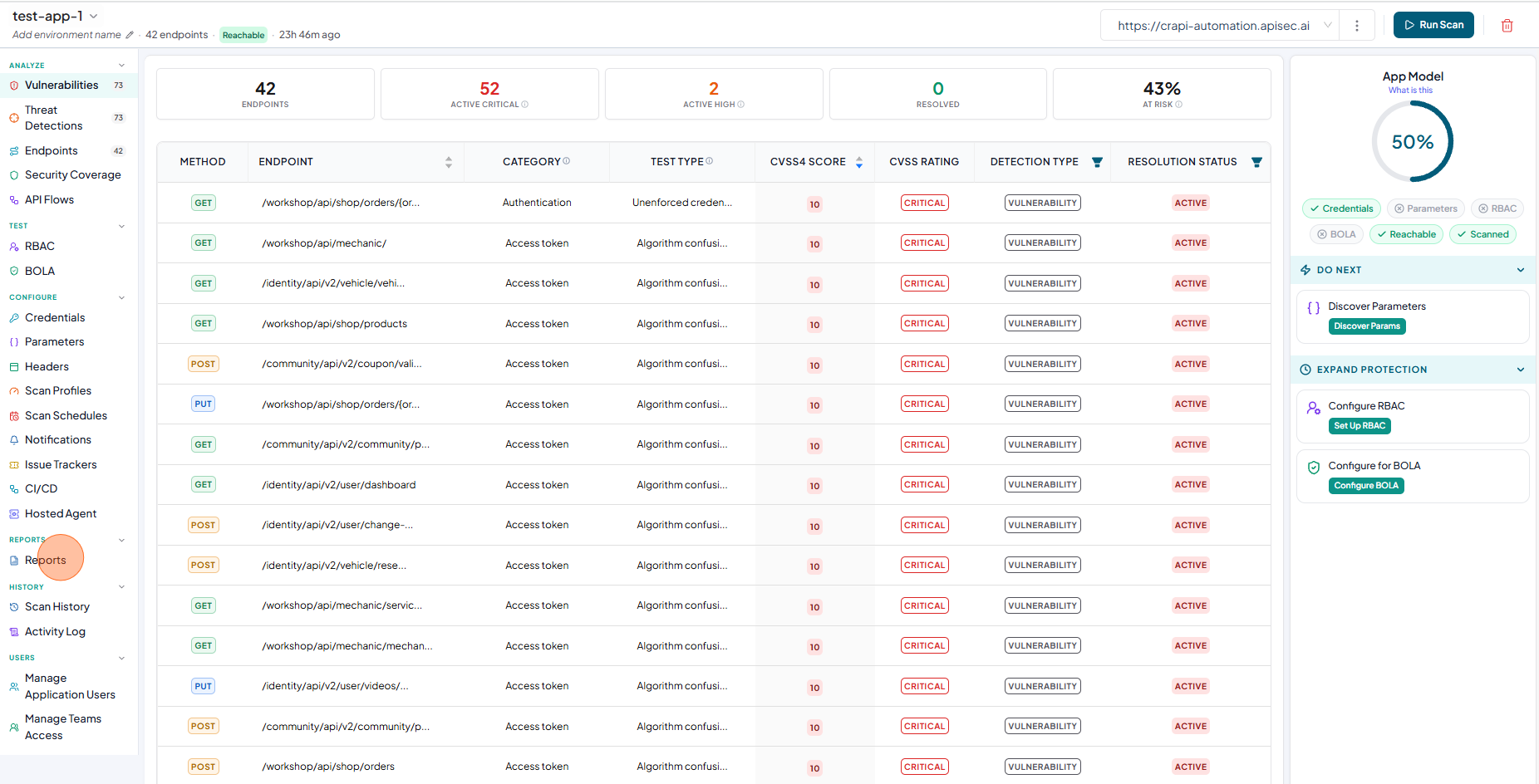
Click "Reports" present in the side navigation.
-
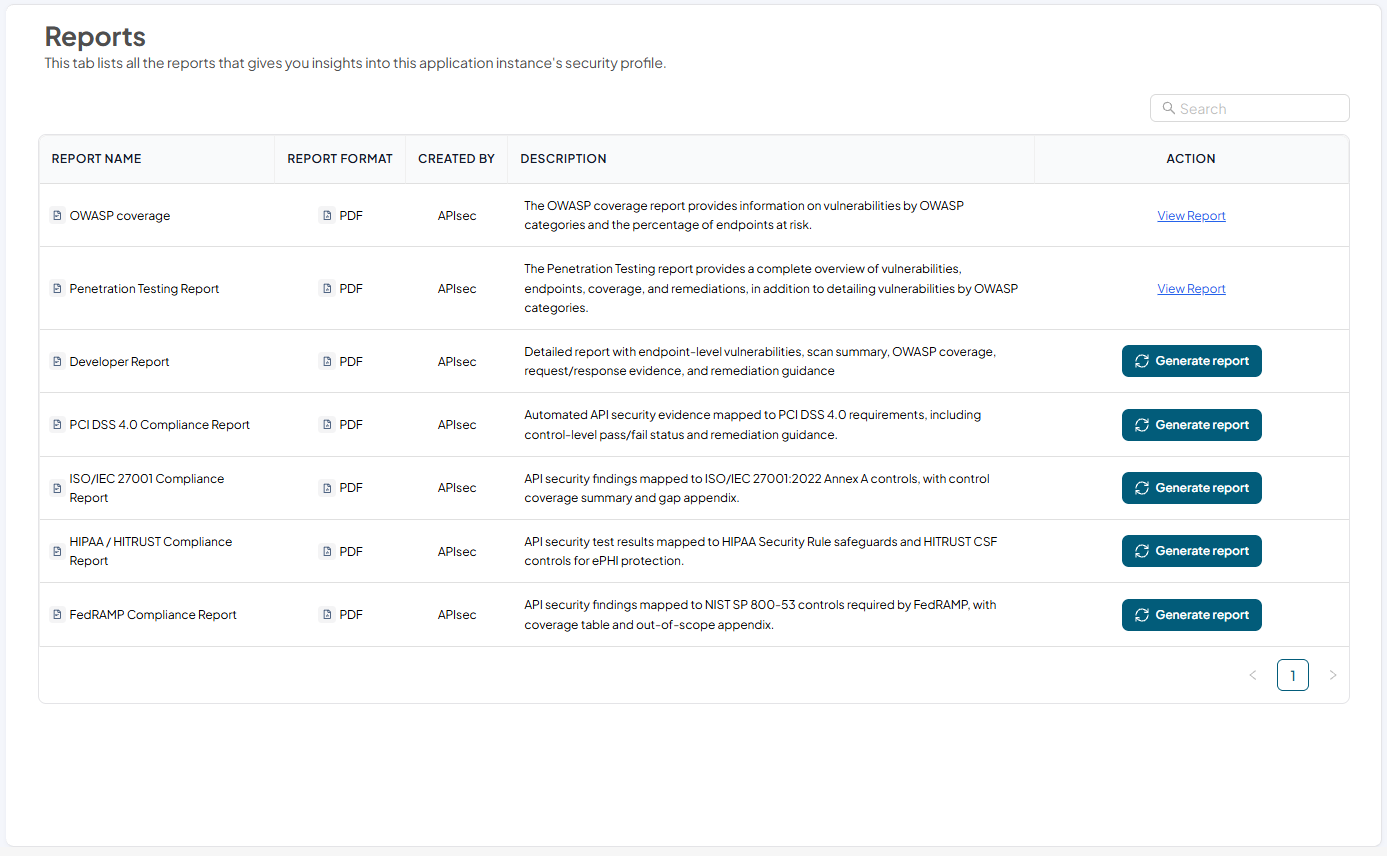
Now you will see list of all the reports that gives you insights into this application instance's security profile.
-
Click Generate Report in the Penetration Testing Report row to generate the report.
-
After Report generated, Click Download Reports