Discover Parameters
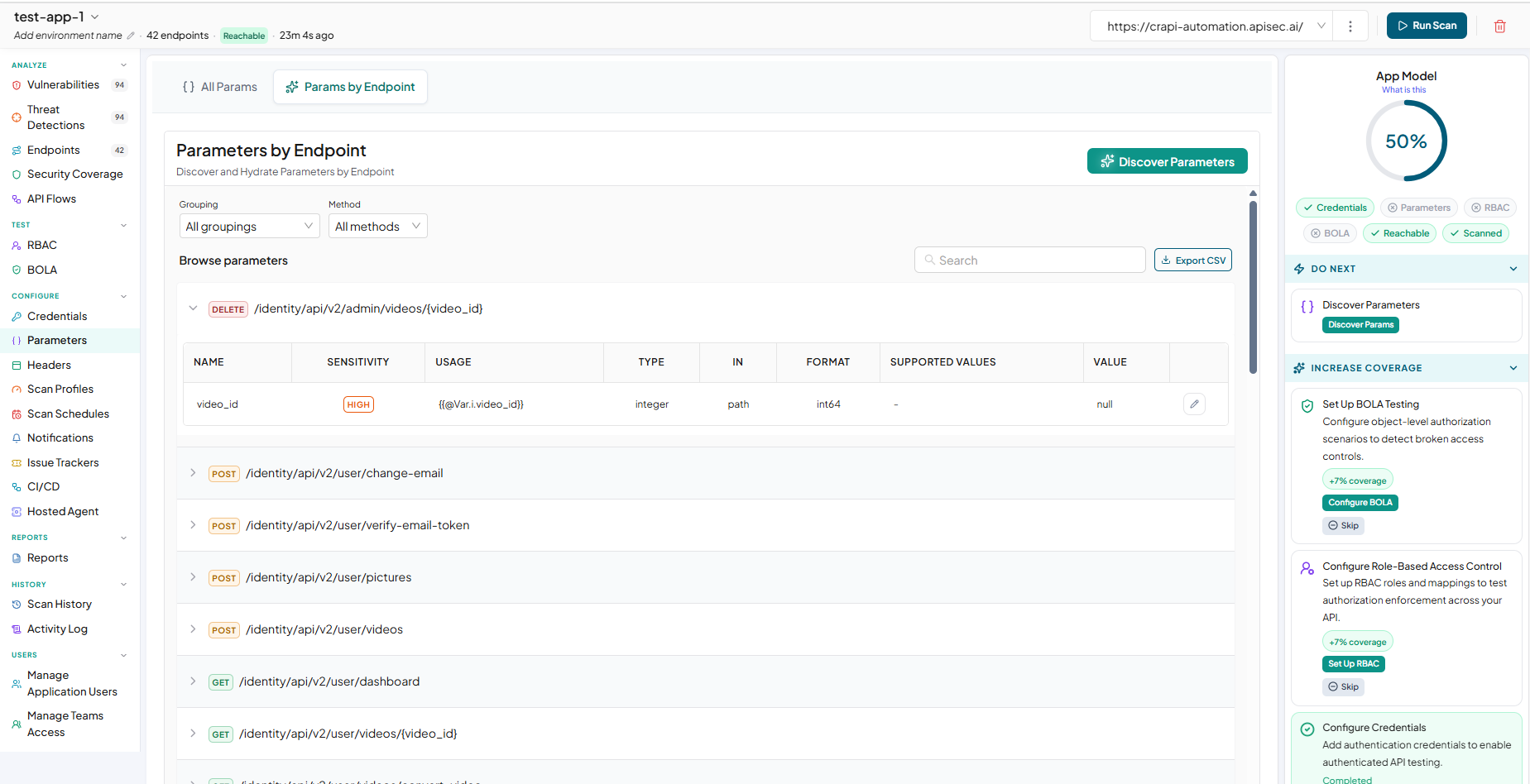
The Discover Parameters allows you to review and configure parameter values used across your API endpoints. When you select Discover Params from the App Model, you are taken to the Parameters page, where you can choose how to manage your parameters.
You have two options:
- Params by Endpoint – View parameters grouped by their respective endpoints. You can use Discover Parameters to have APIsec automatically discover and populate parameter values with AI assistance.
- All Params – View all parameters across all endpoints in a centralized view and manually configure their values.
Configure Parameters Using All Params
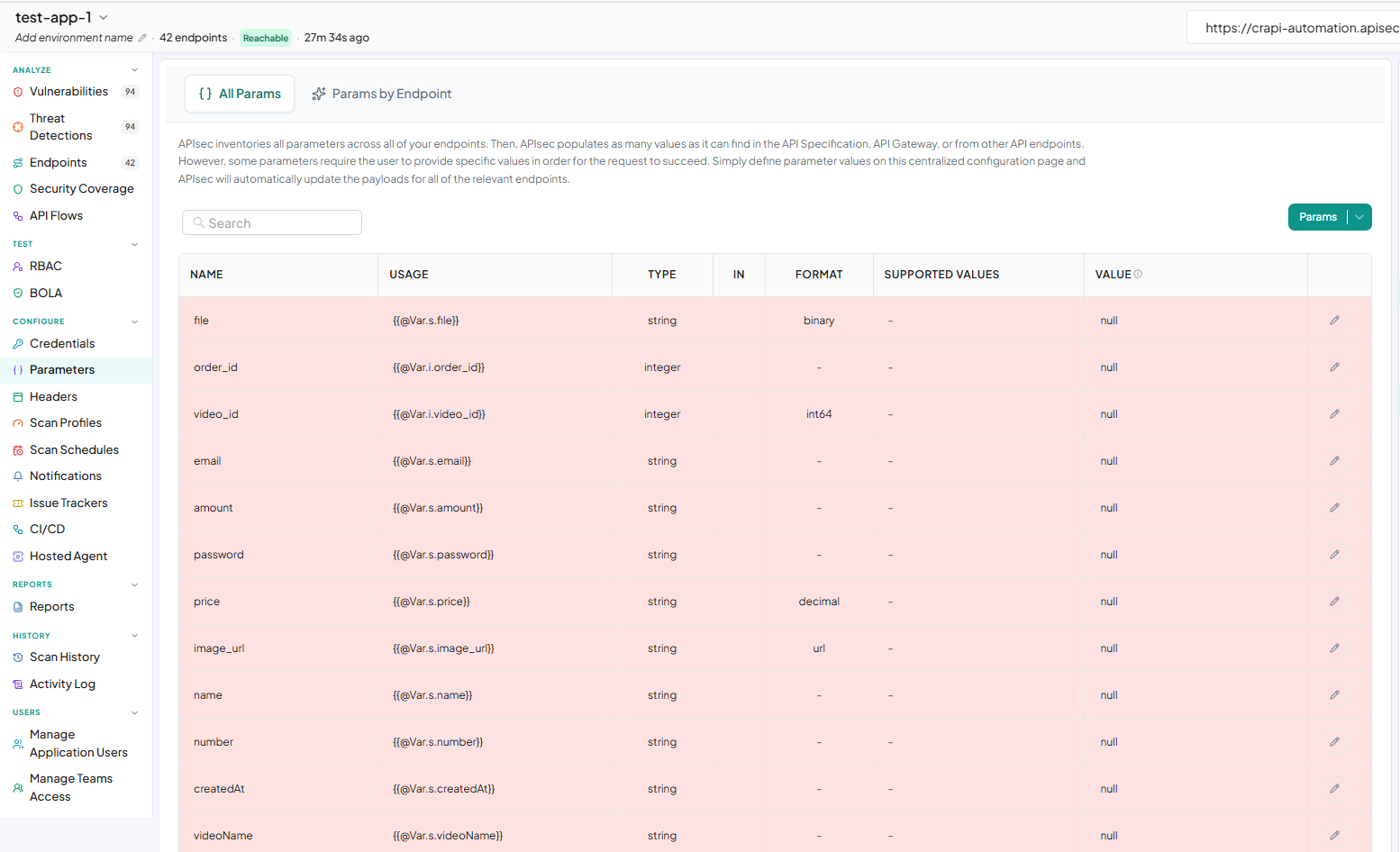
The All Params view provides a centralized location to review and configure parameters across your entire application. APIsec automatically populates parameter values when they can be identified from the API specification, API Gateway, or other API endpoints.
For parameters that require specific values, you can manually provide the required values from this page. Once configured, APIsec automatically applies the values to the payloads of all relevant endpoints.
This allows you to configure parameter values once in a centralized location instead of updating them individually for each endpoint.
Based on the your API document, you need to add parameter values.
-
To discover parameter values, click Discover Params in the App Model and Select All Params
-
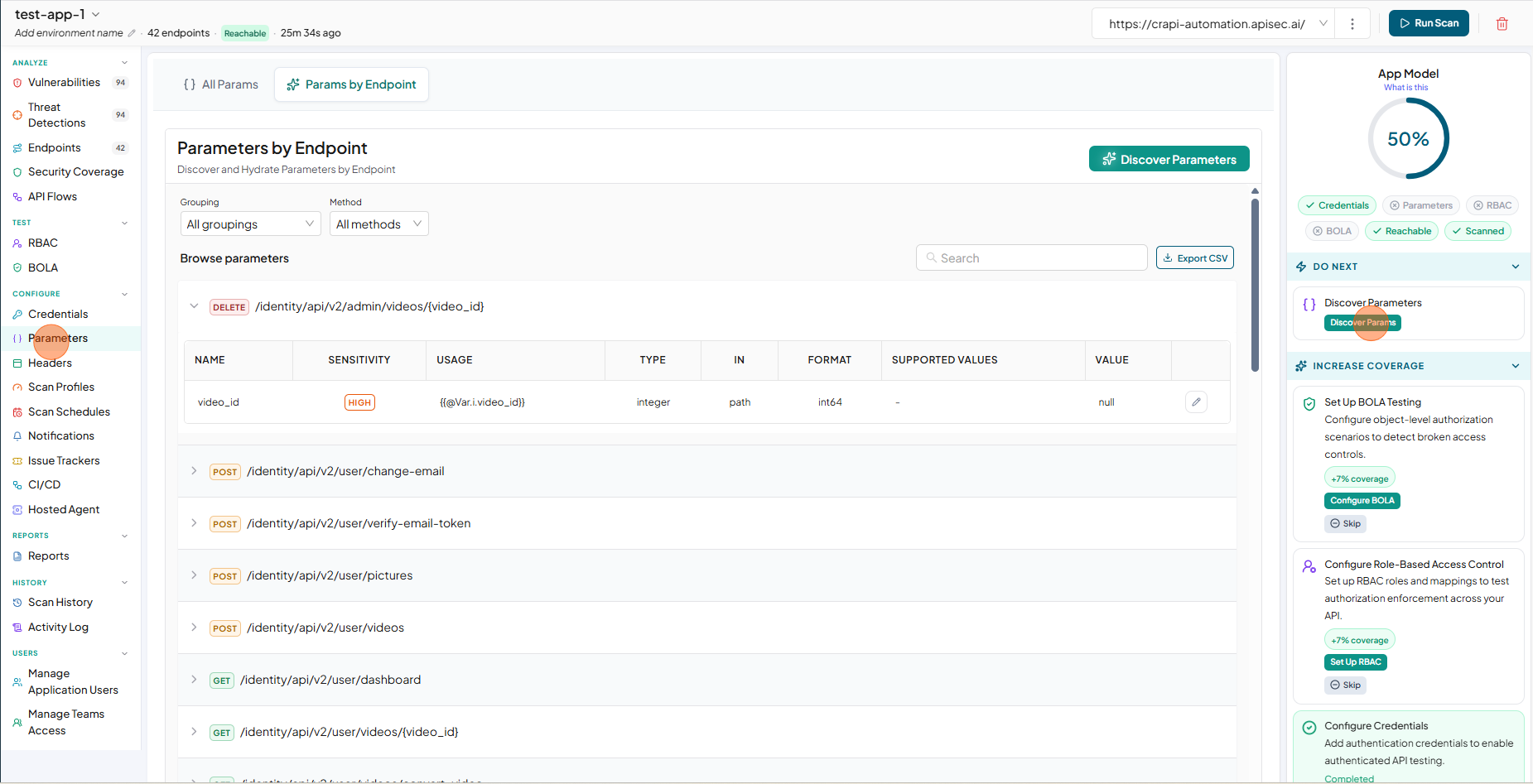
(OR) Select Parameters from the sidebar.
-
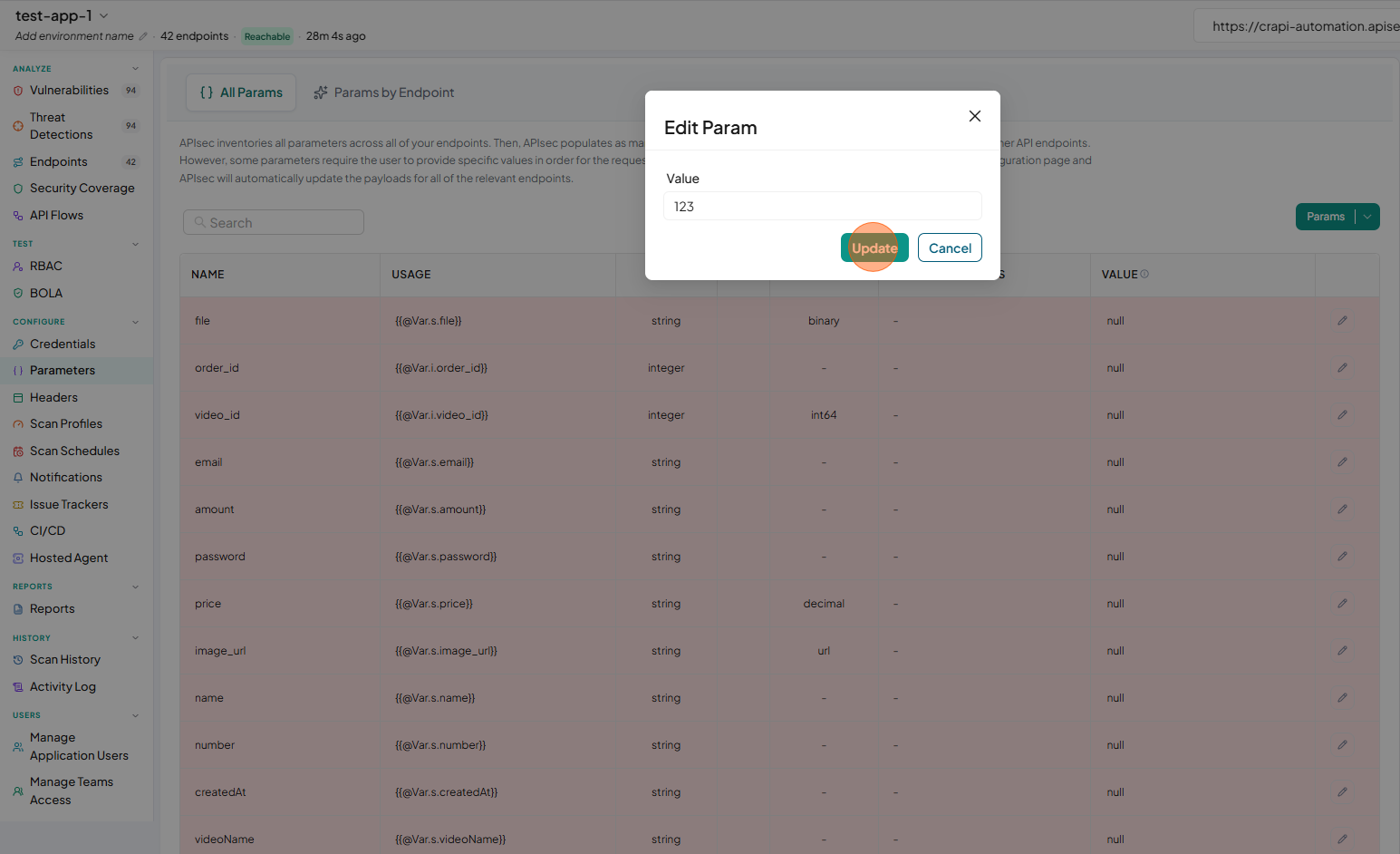
The Parameters Configuration table is displayed with highlighted rows requiring parameter values.
-
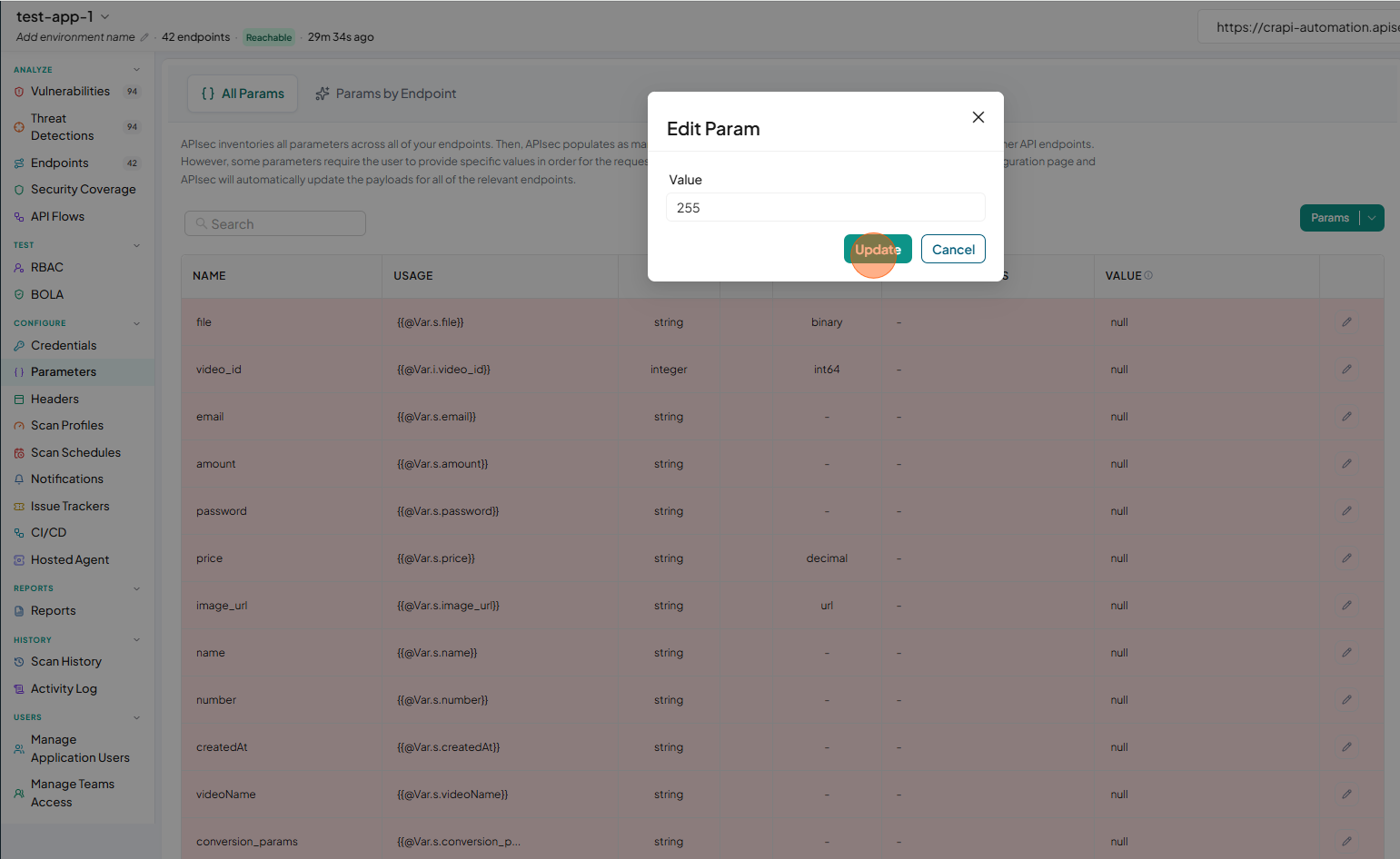
To update a parameter value, click the edit icon for the required parameter and enter the value and Click Update .
-
Do the same process for other required parameters also.