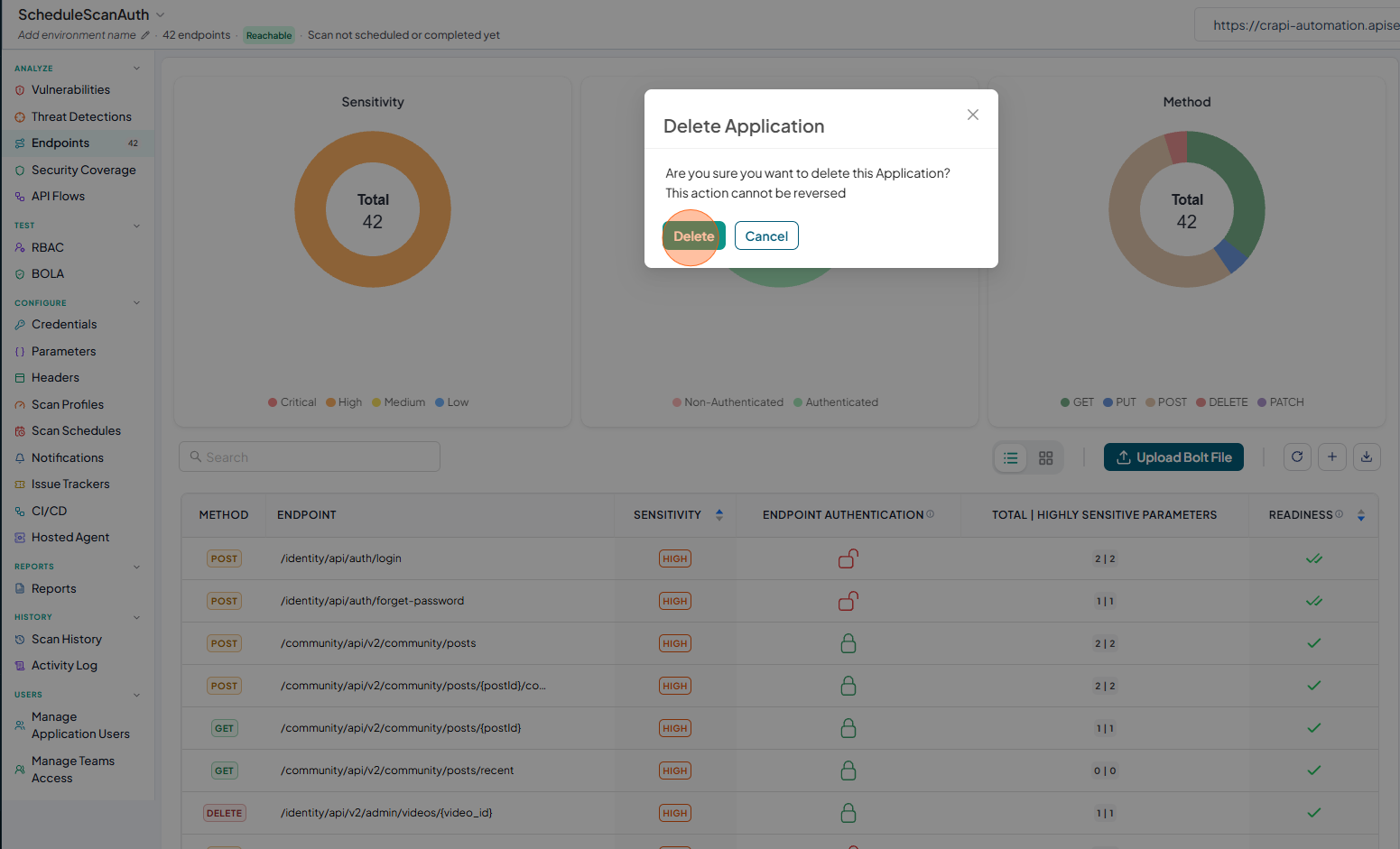
How to Delete Application
You can delete an application from either the Applications page or the Application Details page.
- Open your browser and visit: https://<your-tenant>.apisecapps.com
Delete Application from Applications page
-
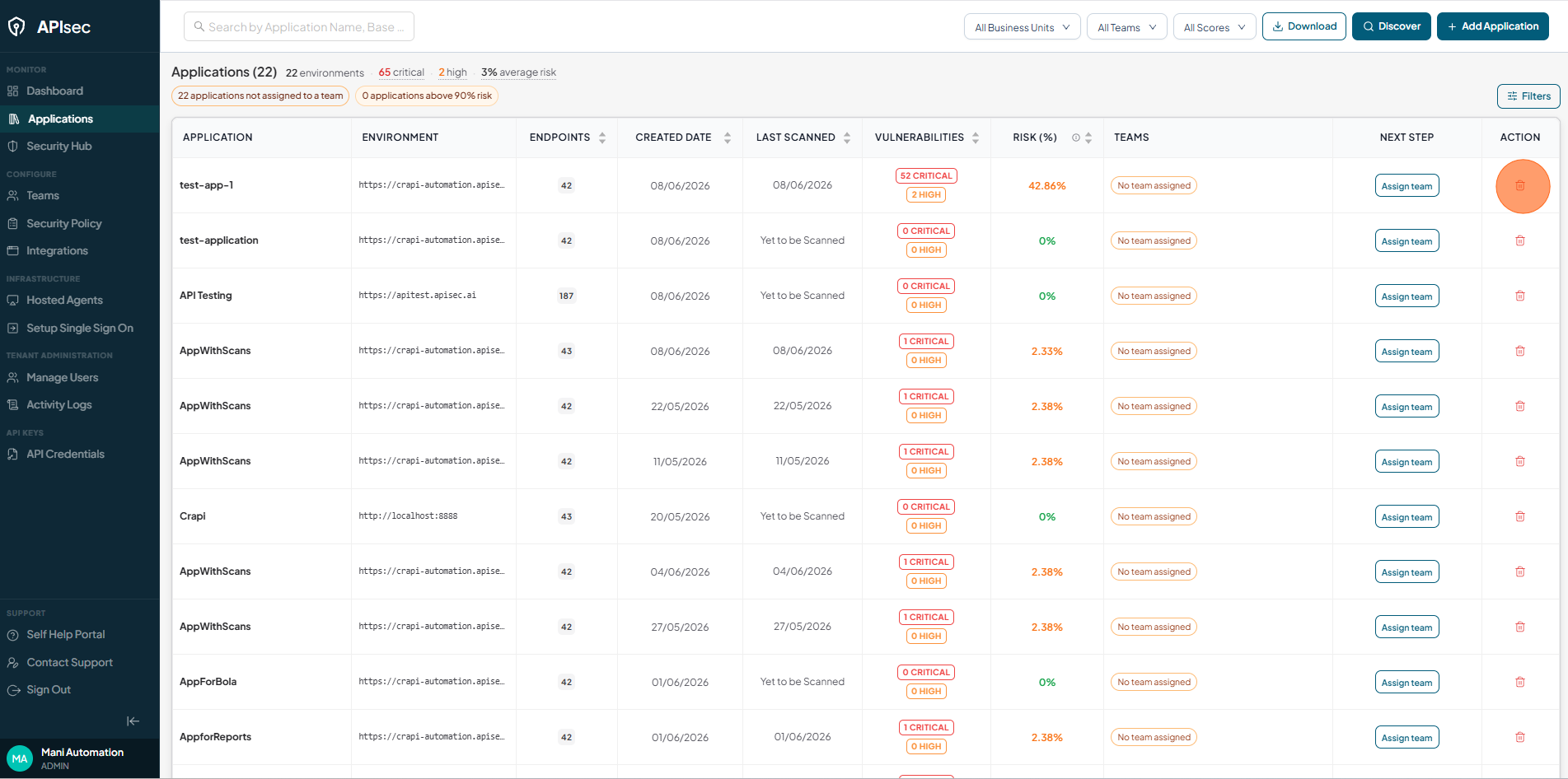
To delete an application, click the Delete icon in the Action column next to the application you want to remove. deletefrom-apps
-
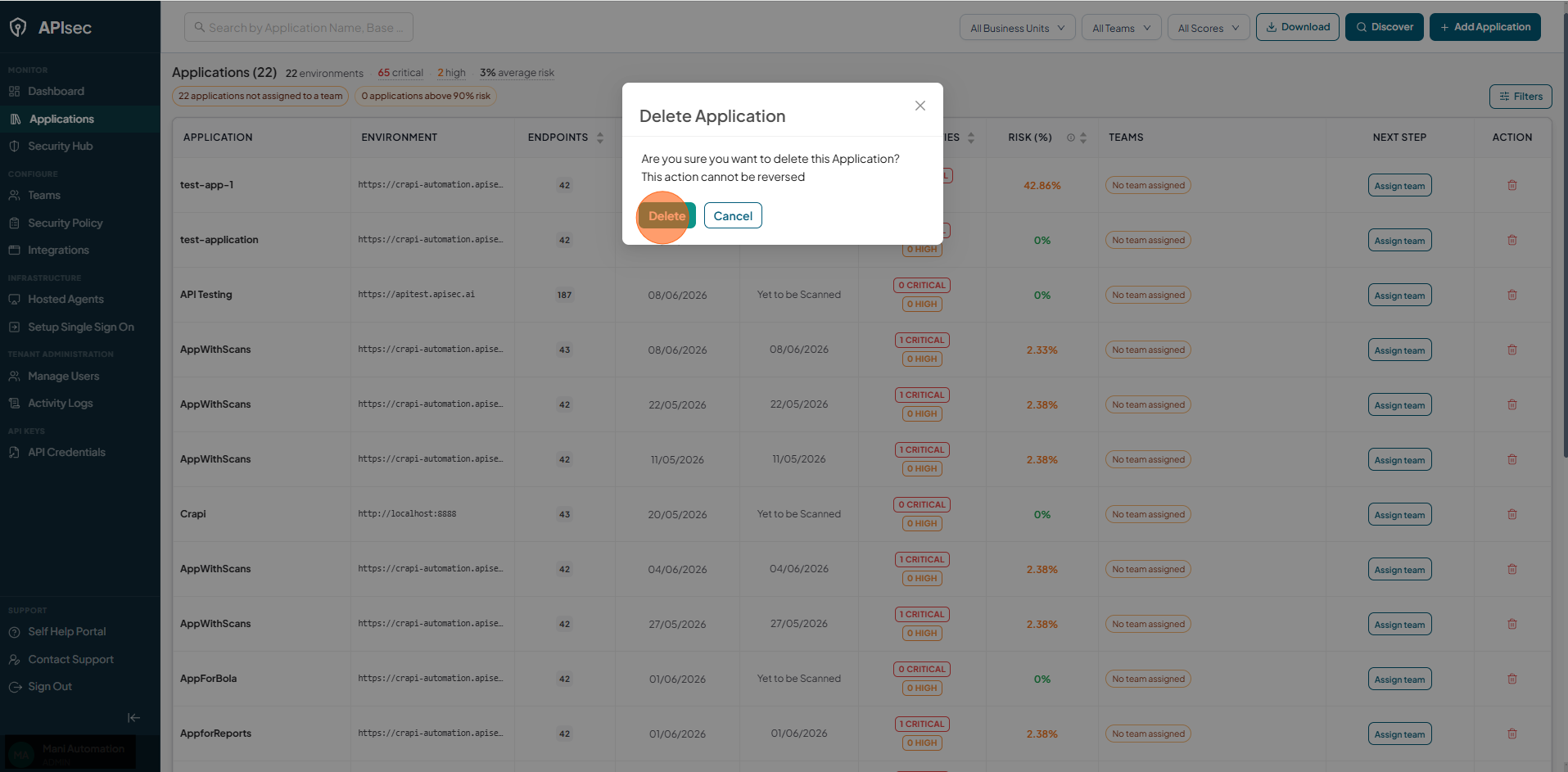
Click Delete to confirm
Delete Application from Application details page
-
Open your browser and visit: https://<your-tenant>.apisecapps.com
-
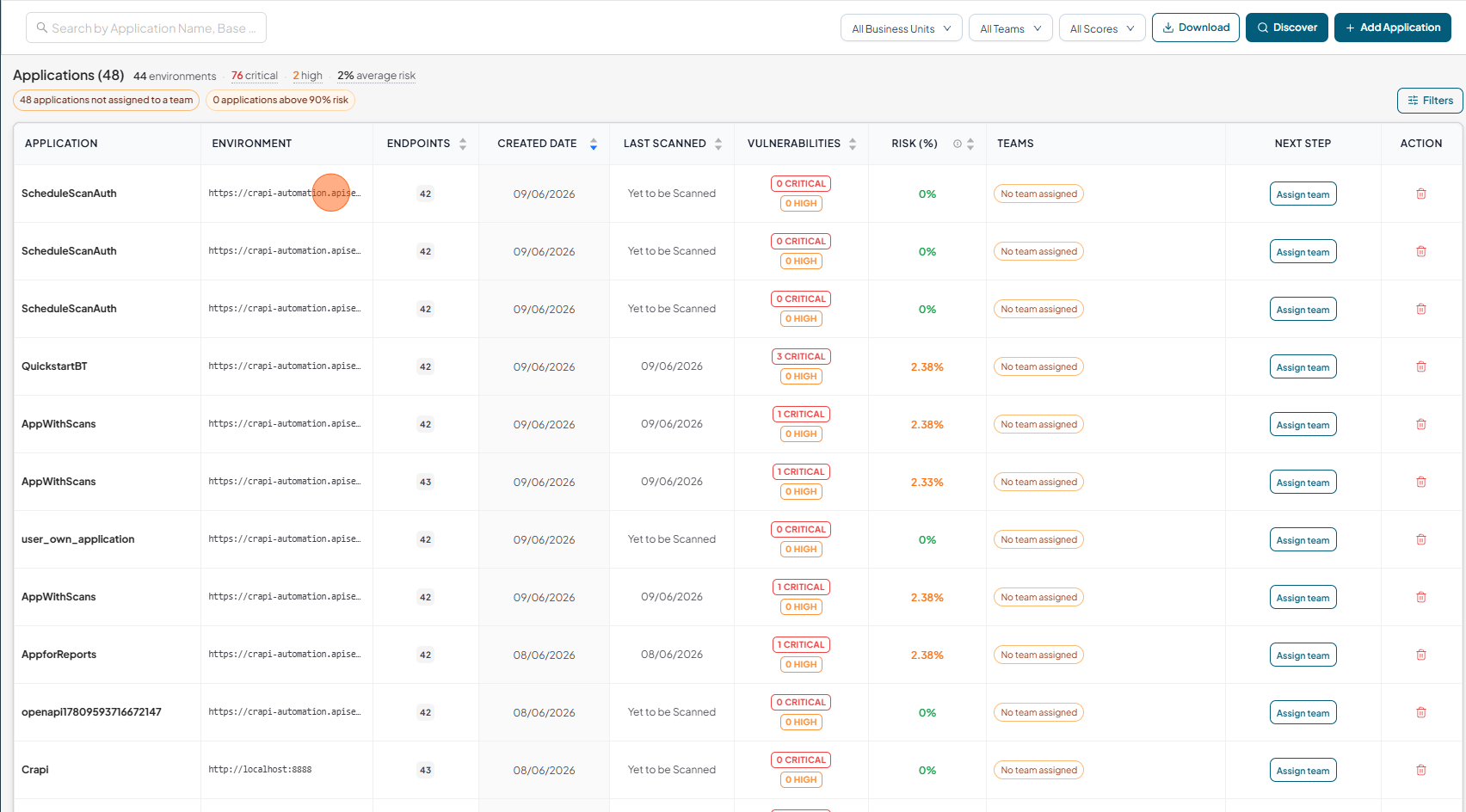
Click on selected application to delete
-
Click on "Delete Icon".
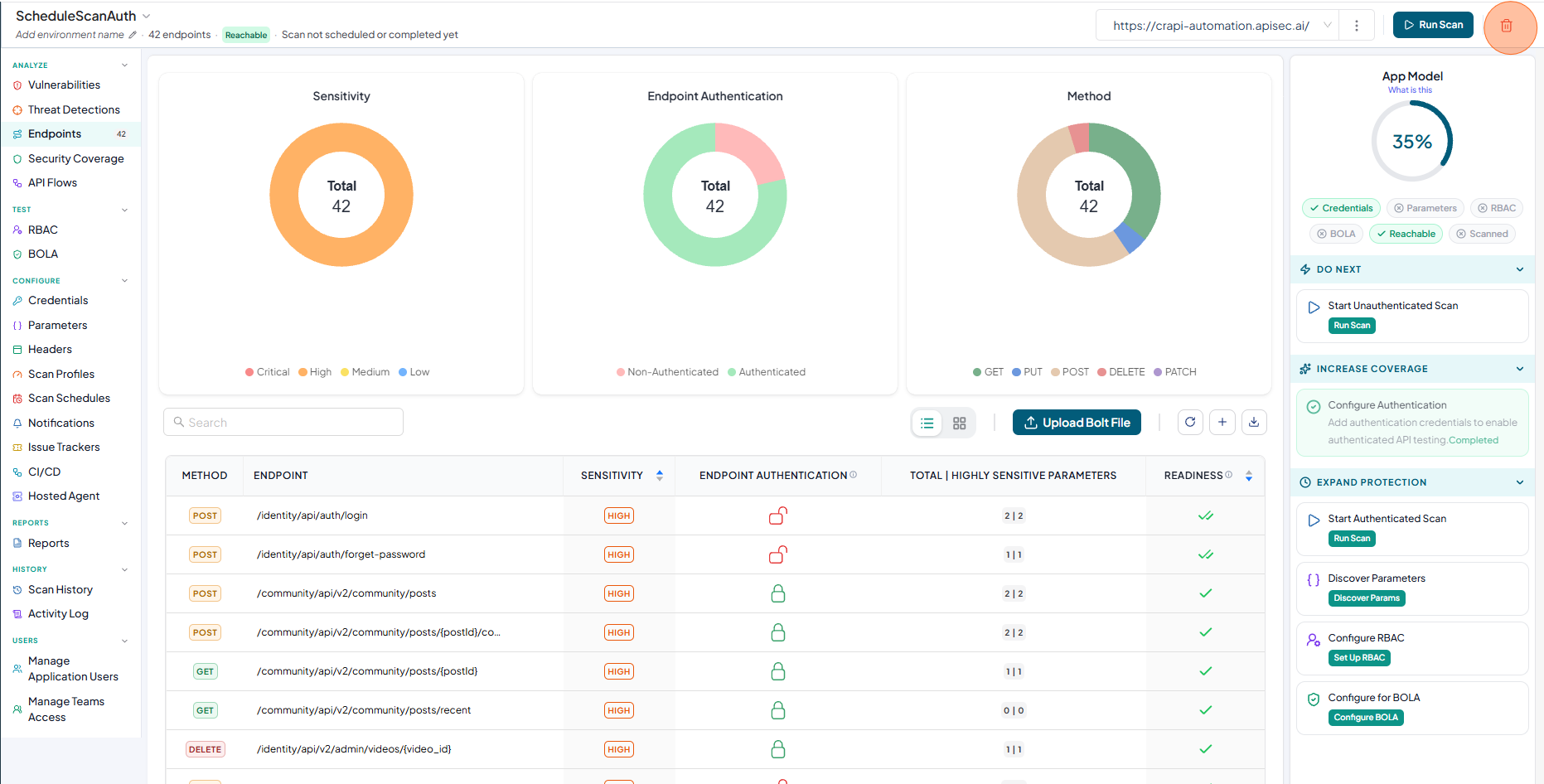
-
Click Delete to confirm.