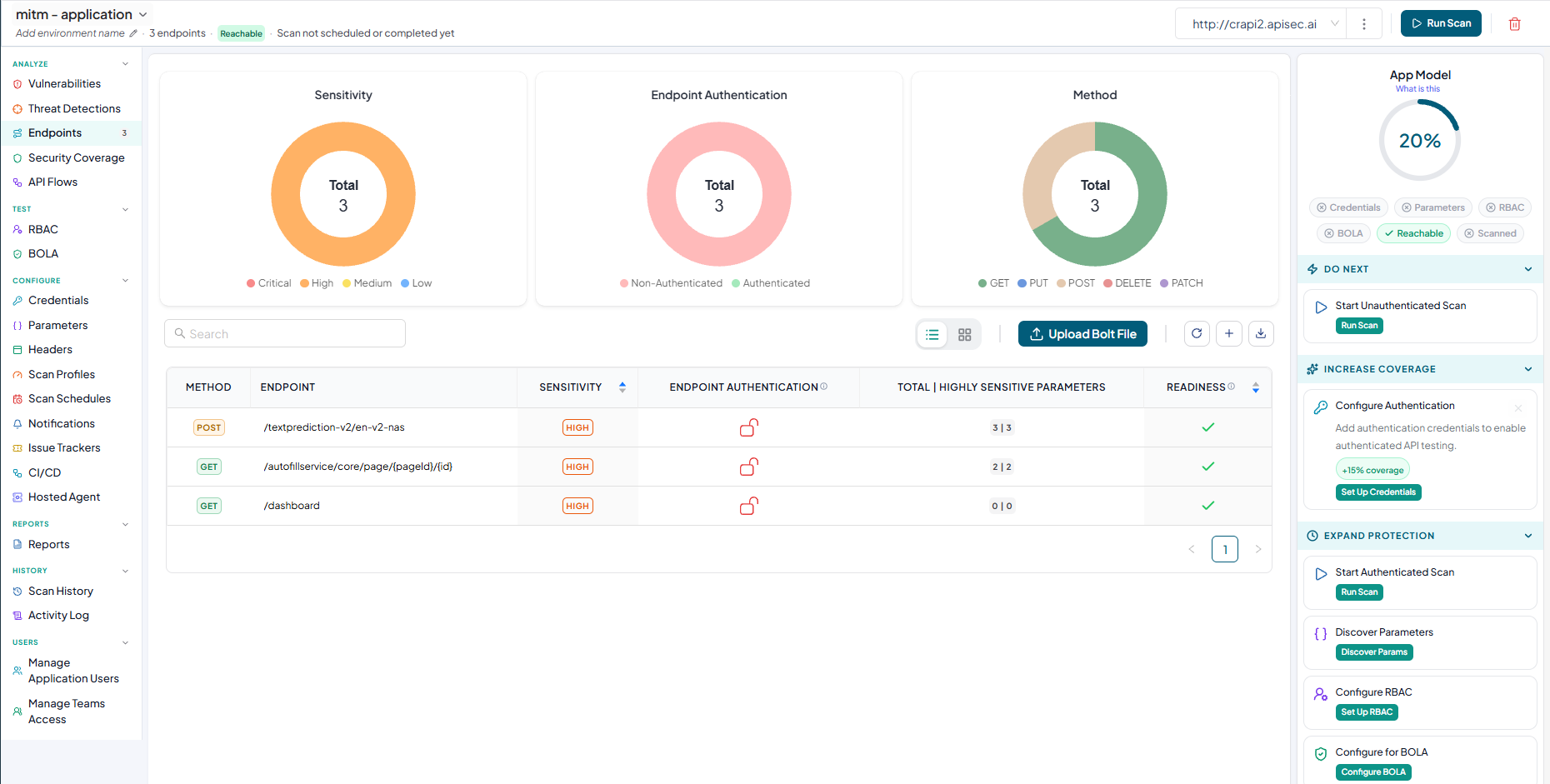
How To Onboard An Application Using Mitmproxy file
Mitmproxy is an open-source interactive proxy tool that intercepts, inspects, and records HTTP and HTTPS traffic between clients and servers. It allows users to capture API requests and responses, analyze network communication, and export traffic data for further processing.
Adding Mitmproxy application
-
Navigate to URL
Open your browser and visit: https://<your-tenant>.apisecapps.com
-
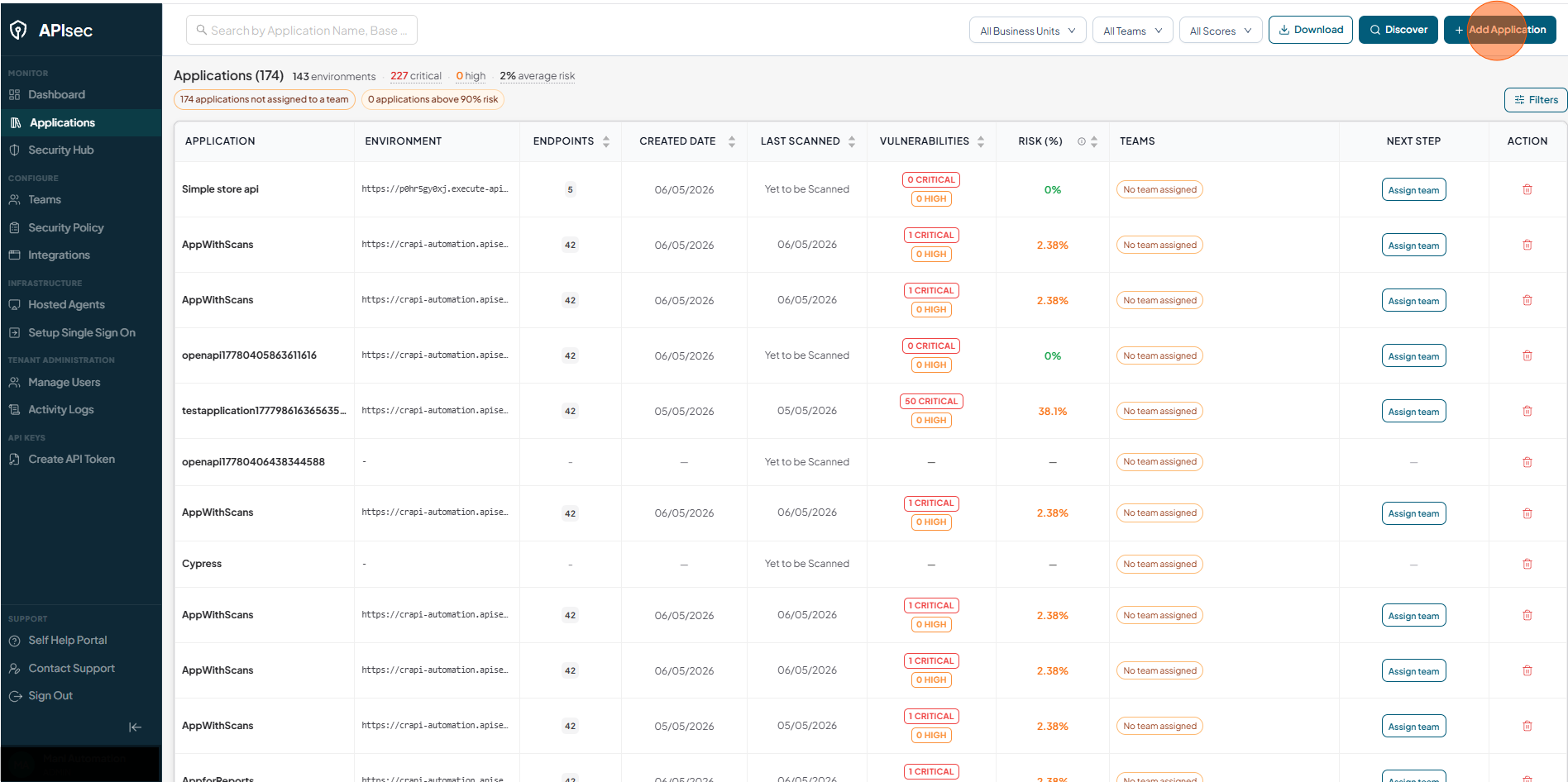
Click Add Application
-
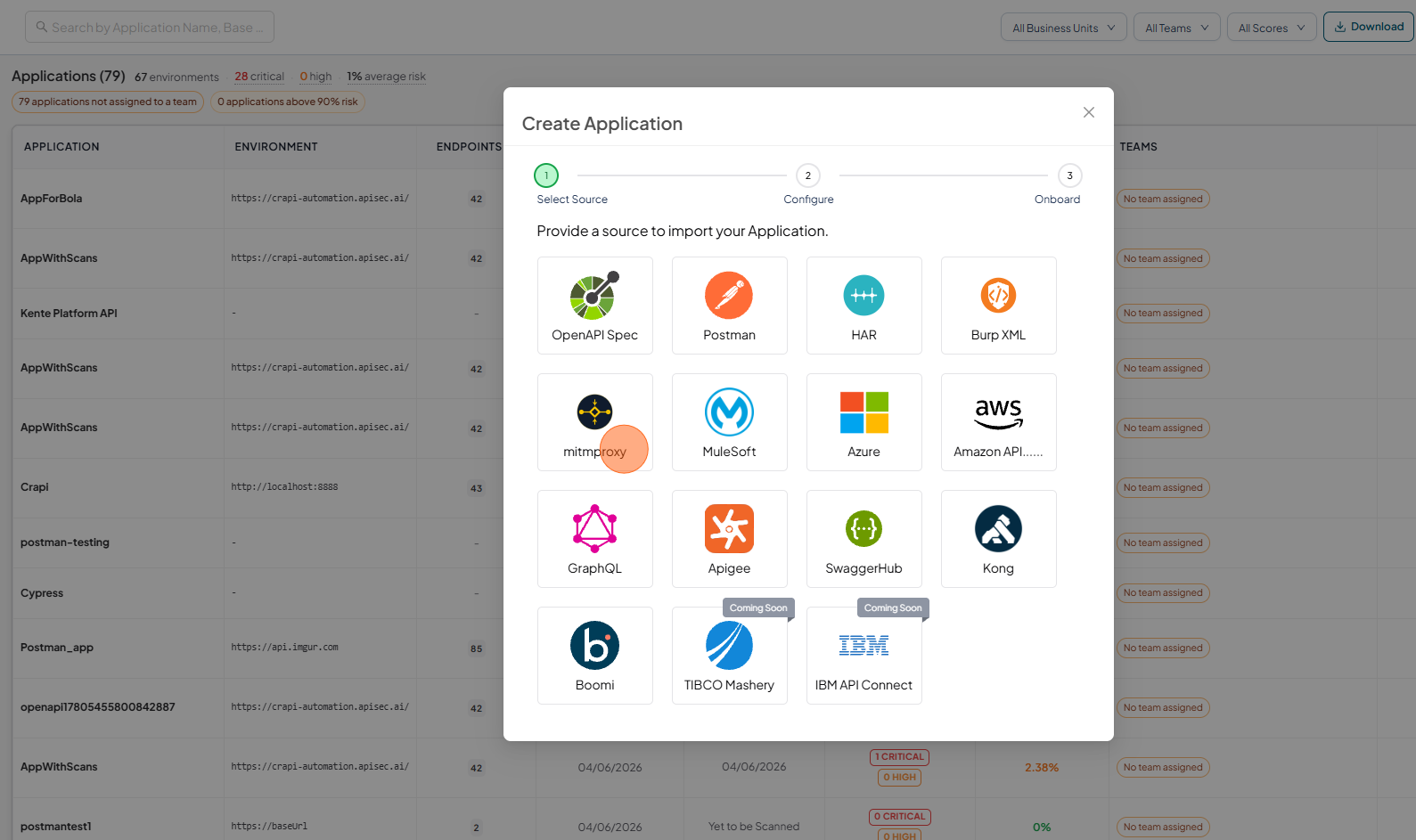
Select Mitmproxy
-
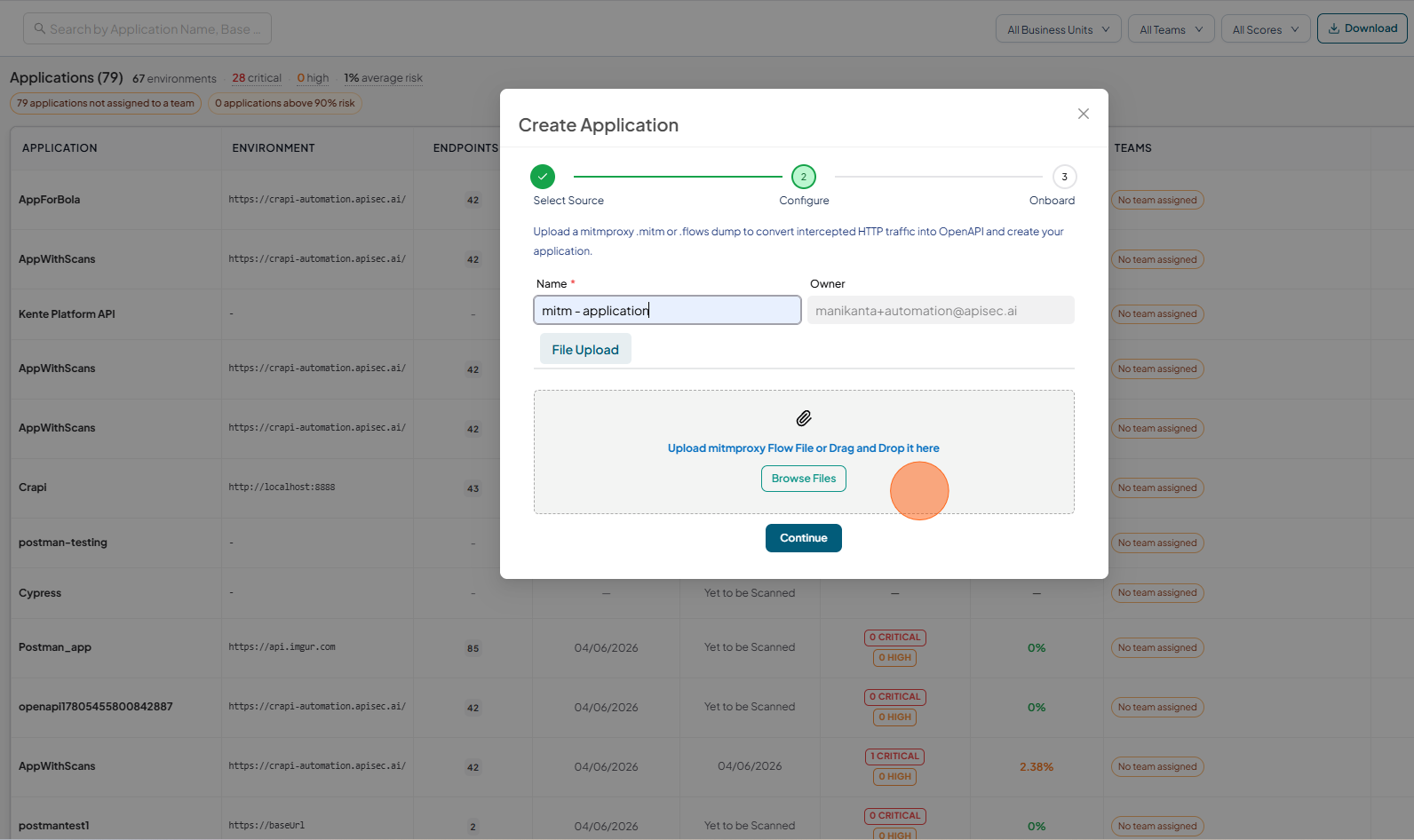
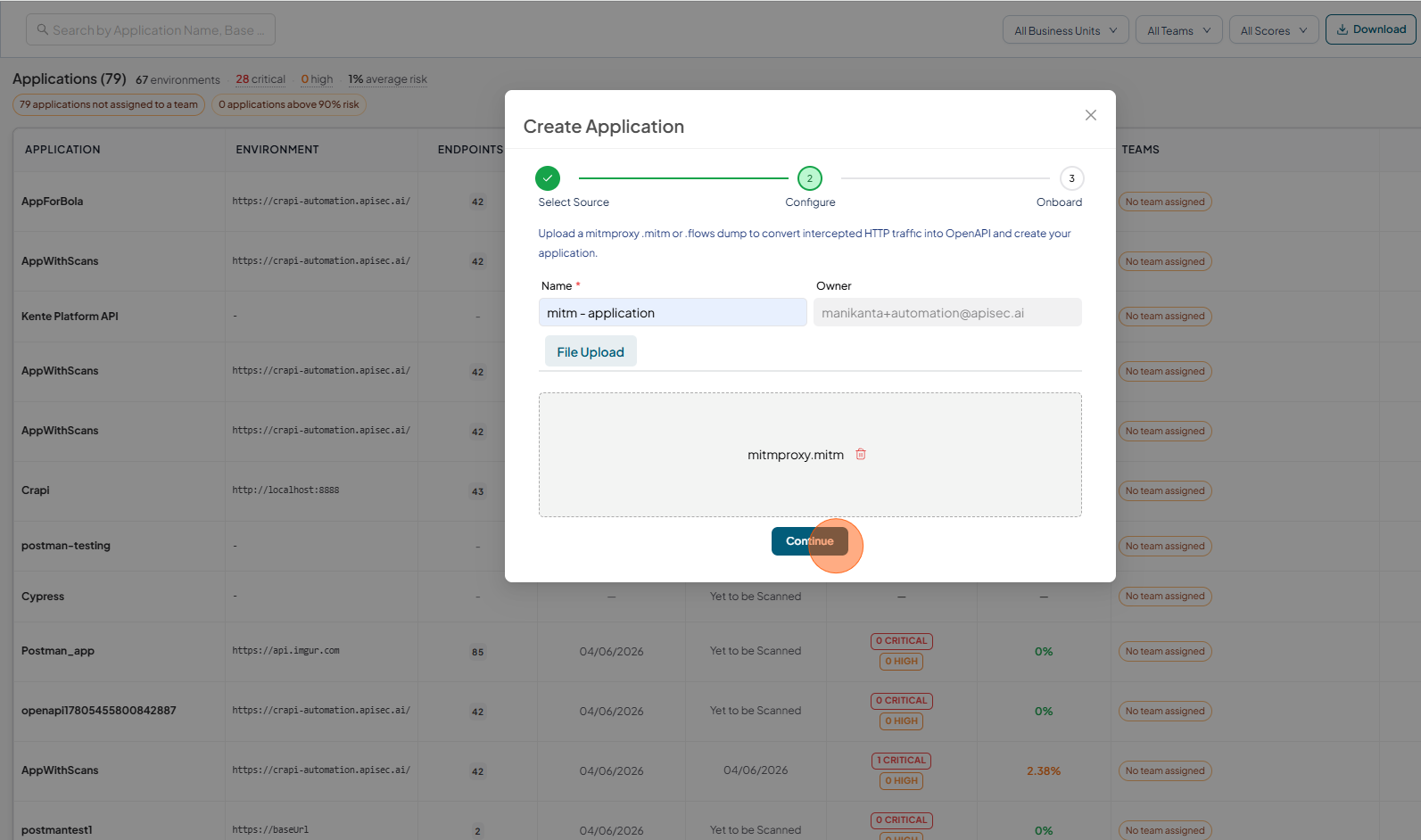
Provide an application name.
-
Click on Browse Files and Upload the Mitmproxy file
-
After uploading the file, click on the Continue.
-
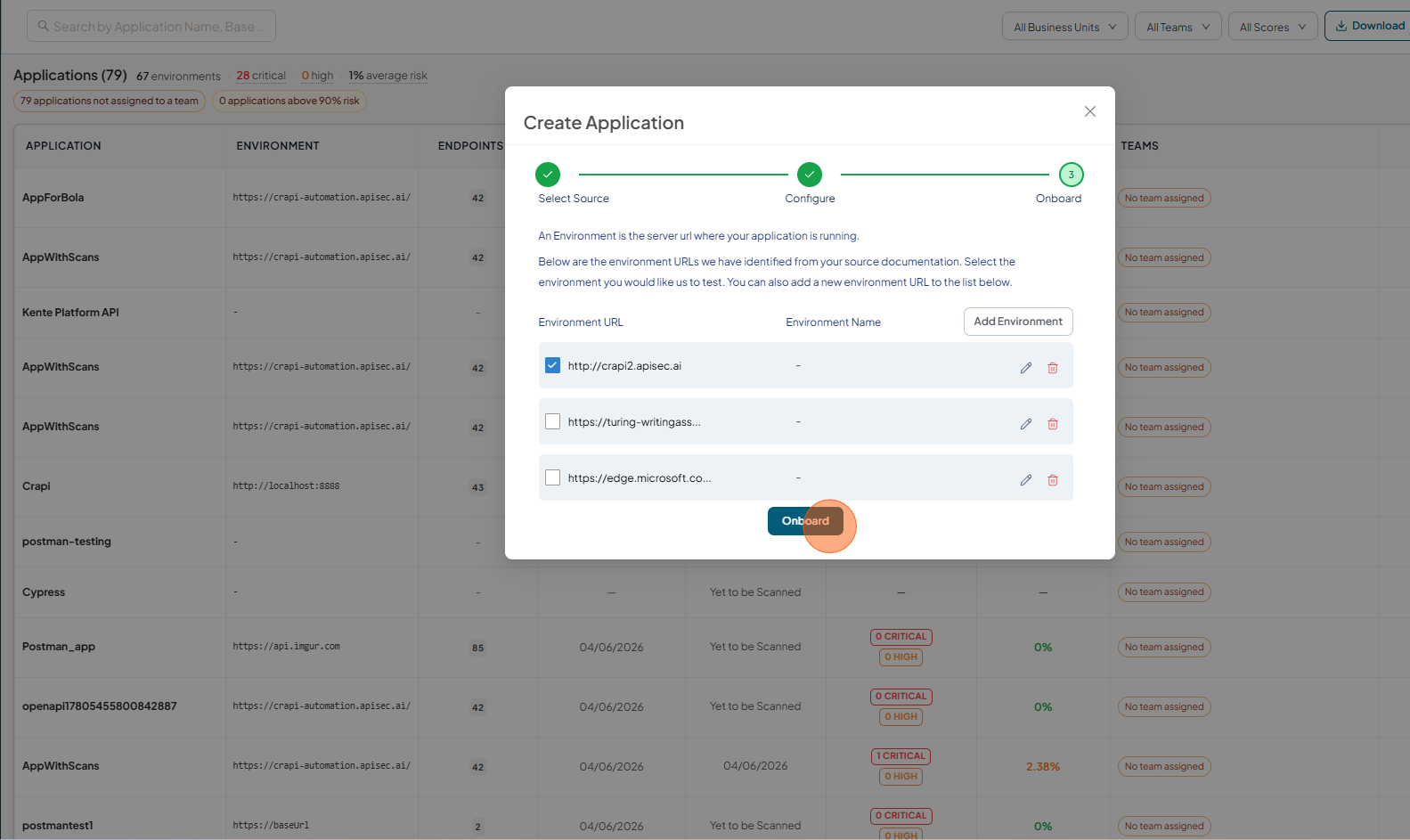
Validate the Environment URL and click on Onboard.
-
Once onboarding is complete,
- you can view the application.
- Test API security to identify vulnerabilities
- Enable monitoring to track API usage and performance